
 Live Support on Whatsapp
  Live Support on Telegram
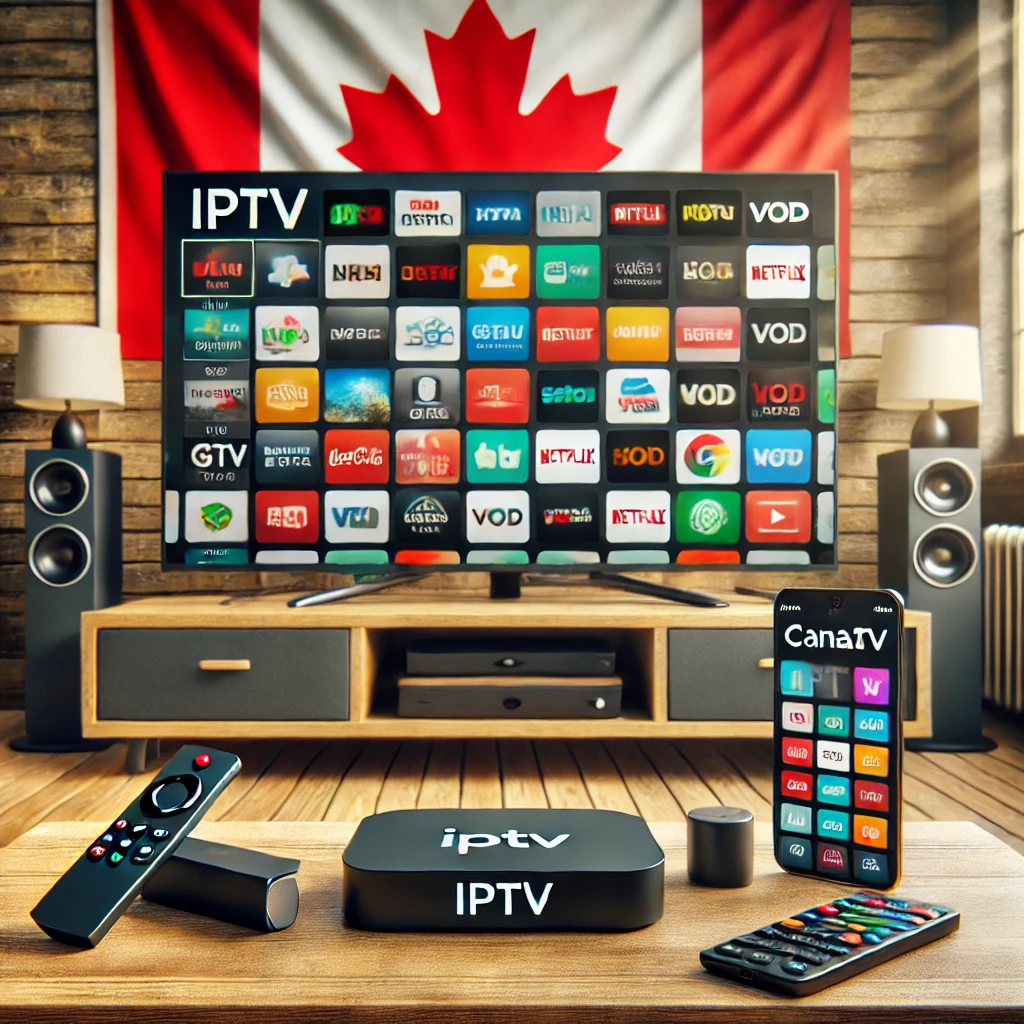
IPTV Guide for Canadians: Setup, Devices, and Streaming Tips

Tired of expensive cable bills with limited channel options? You’re not alone. In 2025, more Canadians are turning to IPTV (Internet Protocol Television) for affordable, flexible, and feature-rich streaming.
This comprehensive IPTV guide covers setup steps, the best devices to use, and key streaming tips to ensure a smooth experience in Canada.
👉 Need help installing IPTV? Follow our Step-by-Step Guide
✅ Why IPTV is Replacing Traditional Cable in Canada
Cable is outdated. IPTV gives Canadians what they really want:
- 📺 Thousands of live channels (local & global)
- 🎬 140K+ movies and series on demand
- 💰 No contracts & cheaper plans
- 📱 Works on Firestick, Android, Smart TVs, and mobile
Whether you’re streaming sports, movies, or news, IPTV is the future of home entertainment.
🖥️ Best Devices for IPTV in Canada
Your device plays a huge role in your IPTV experience. Here are the top picks for Canadians:
🔥 1. Amazon Firestick – Most Popular Choice
- Affordable, portable, and perfect for IPTV apps like IPTV Smarters Pro and TiviMate
- Easy to set up and compatible with most TVs
- Ideal for beginners
📦 2. Android TV Box – For Power Users
- More storage and customization options
- Great for using advanced apps like XCIPTV Player or Perfect Player
- Recommended for tech-savvy streamers
🖼️ 3. Smart TVs (Samsung, LG, etc.)
- Built-in support for IPTV apps like Smart IPTV (SIPTV) or IPTV Smarters
- No need for external devices
- Clean and clutter-free setup
📱 4. Mobile & PC
- Use VLC, Smarters Pro, or GSE IPTV on phones, tablets, or desktops
- Great for streaming on the go
- Supports multi-screen access
💡 Want to compare IPTV players? Check out our IPTV Player Guide for Canada
🚀 Streaming Tips for a Smooth IPTV Experience
⚡ 1. Use a High-Speed Internet Connection
- Recommended speed:
- 15 Mbps for HD
- 25+ Mbps for 4K
- Stable internet = less buffering
📶 2. WiFi vs Ethernet – Which is Better?
- Ethernet: More stable and faster, perfect for IPTV
- WiFi: Convenient, but signal strength may vary
🔧 Use 5GHz WiFi or a WiFi extender if Ethernet isn’t available
🔐 3. Do You Need a VPN?
Yes, in most cases:
- Bypass ISP throttling (slow speeds)
- Access IPTV if your provider is blocked
- Improve privacy
We recommend using a premium VPN for better security and speed.
📋 FAQs About IPTV in Canada
❓ Which device is best for IPTV?
Firestick is great for beginners. Android TV Box is best for advanced users who want more control and features.
❓ How do I avoid buffering on IPTV?
- Use Ethernet instead of WiFi
- Close unused apps and devices
- Use a VPN if your ISP throttles IPTV traffic
- Choose a reliable IPTV provider like Digitals TV
❓ Can I use IPTV on multiple devices?
Yes! With a multi-connection plan, you can stream IPTV on 2 or more devices at the same time. Perfect for families.
✅ Get the Best IPTV Experience in Canada!
Whether you’re new to IPTV or upgrading your setup, following this guide ensures a smooth, buffer-free experience.
🎯 What to do next?
👉 Read the Full Installation Guide
👉 Choose Your IPTV Plan
👉 Try It Free